Results you can read back
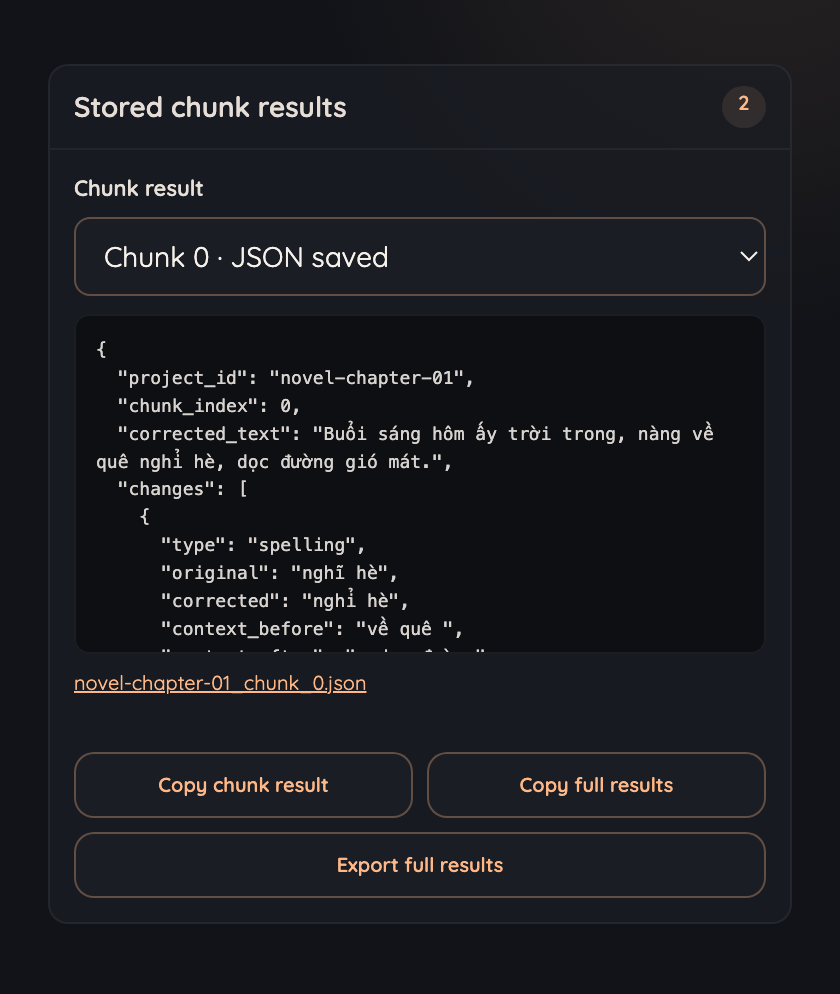
Accepted chunks are stored as complete JSON, previewable in the popup. Copy one chunk, copy the lot, or export the whole run at any point, including a run that is only half finished.
Queue long text to a ChatGPT conversation, wait for each answer, validate the JSON that comes back, and retry what fails.
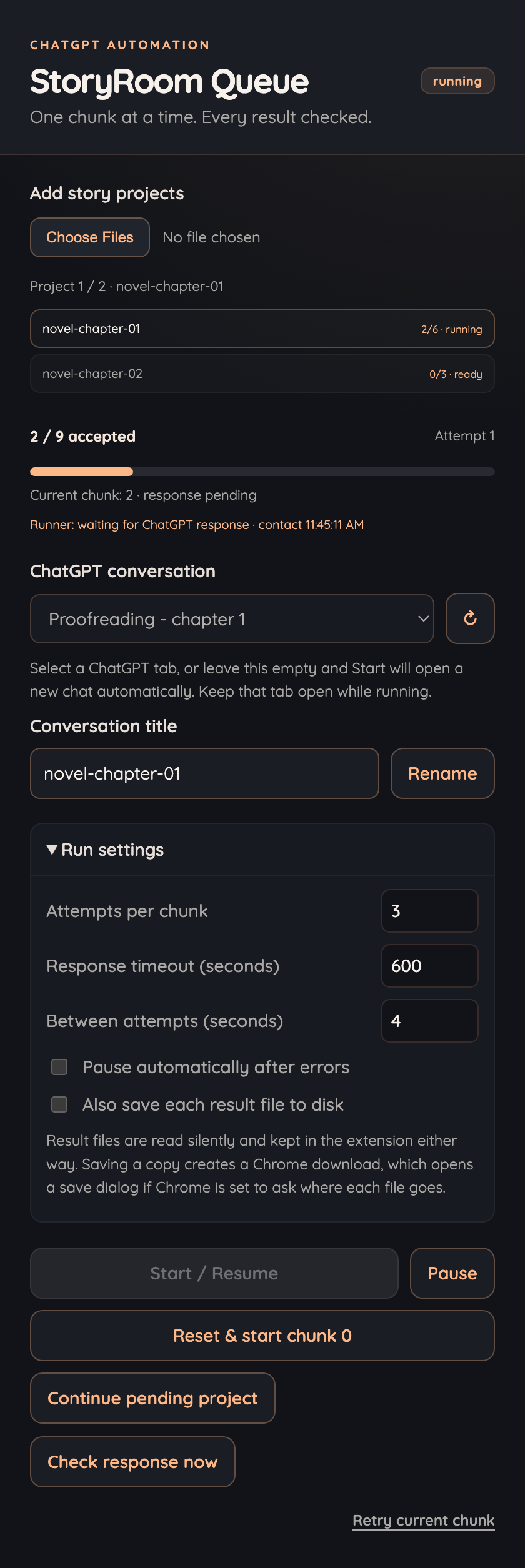
You give it a file describing your chunks and the prompt for each one. It runs them in order and keeps what passes.
Accepted chunks are stored as complete JSON, previewable in the popup. Copy one chunk, copy the lot, or export the whole run at any point, including a run that is only half finished.
When ChatGPT answers with a generated .json file, the extension
resolves the file and reads all of it. A long result is never truncated.
A failed chunk is resent with the validation errors appended, up to the attempt limit you set. Nothing advances until a reply passes.
Submissions, acceptances, rejections and retries are logged with their reason and the route each file was read through, so a slow or stalled chunk can be traced instead of guessed at.
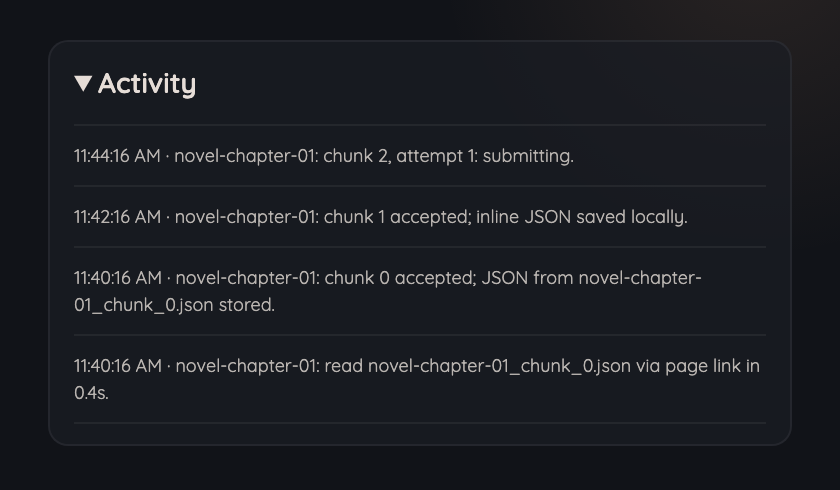
Each project runs in its own ChatGPT tab. Projects with no tab free stay queued and take over the next one, so the queue drains without more clicks.
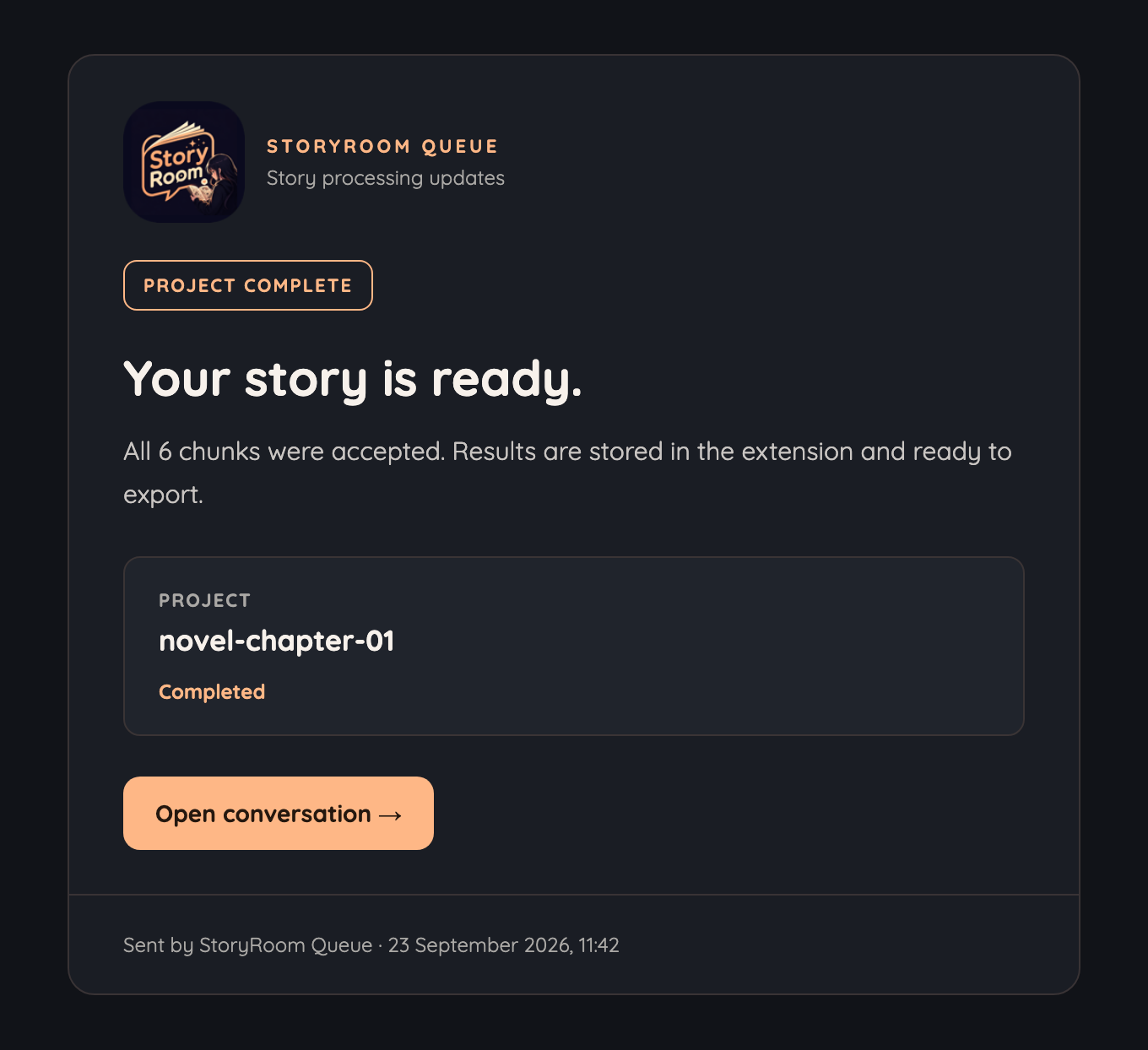
Turn notifications on in the extension's settings and each project mails you once every chunk is accepted, or once a run stops after its retries. Both templates are yours to edit, and there is a test send.
Off by default. Your own Resend key and sender address, kept in this browser.
The same four moves for every chunk, in every project, until the queue is empty.
Choose one or more project files. Each one lists its chunks and the exact prompt to send for every chunk. Add more files later while the queue is paused.
No API key. No build step.
The prompt goes into the ChatGPT tab you picked, verbatim, and the extension waits for the answer to finish generating before it reads anything.
You pick the tab, the model and the conversation.
The reply is found by its own project and chunk identifiers, parsed whether it arrived inline, in a code fence or as a file, and checked against the chunk it answers.
A failed check is resent with the errors attached.
Accepted results are written to extension storage, so closing the popup, switching tabs or reloading the page does not lose the run.
Files reach your disk only if you ask for them.
Every answer has to prove it belongs to the chunk that asked for it before the queue moves on.
{
  "project_id": "novel-chapter-01",
  "chunk_index": 0,
  "corrected_text": "Buổi sáng hôm ấy trời trong.",
  "changes": [
    {
      "type": "spelling",
      "original": "nghĩ hè",
      "corrected": "nghỉ hè",
      "context_before": "về quê ",
      "context_after": ", dọc đường",
      "occurrence": 1,
      "reason": "Sai dấu hỏi/ngã"
    }
  ]
}
The shape every reply has to arrive in. Add an
expected_result to a chunk and the answer is compared against it value
by value.
StoryRoom Queue is unofficial. It is not affiliated with, endorsed by, or connected to OpenAI. ChatGPT is a trademark of OpenAI, and the name is used here only to say what the extension works with. It uses your own signed-in ChatGPT session in your own browser, and it has no access to any account of yours beyond the tab you point it at.
The composer, the send control, message text, file cards and the file viewer are read from the page, and generated files are fetched through endpoints that are not a documented public interface. Results are matched by their own identifiers rather than by page structure, so reading survives most layout changes, but a large enough change to the ChatGPT site will need an update here.
The checks are deterministic: identifiers, shapes, and whether the change log replays into the corrected text. They are not a language-quality judge. A consistent but linguistically wrong edit can pass, and a good correction with imprecise context can be rejected. Read the final text if editorial accuracy matters.
The extension drives the ChatGPT web interface on your behalf. OpenAI's terms restrict automated access to the service outside its official API, so whether this is appropriate for your account is a decision only you can make. Nothing about it is hidden: every prompt it sends is one you wrote, in a conversation you chose.
Keep the ChatGPT tab open and leave that conversation alone while the queue runs. The popup can be closed, and a background alarm keeps a run in a background tab moving, but Chrome can still suspend work while the computer sleeps or if it discards the tab.
Load it unpacked in Chrome, or build the packaged zip from source. No dependencies, no API key, no account.